
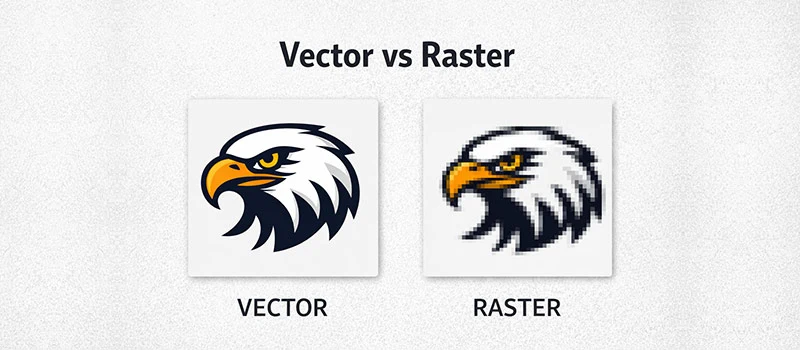
Visual detail is important for any business. Your logo, product graphics, promotional banners, and branded materials all represent your brand. Low-quality blurry images are a common problem for many businesses. When you print those images, it just gets worse.
It depends on the type of image file you’re using. Almost 80% of images found online are raster files. They are not suitable for professional graphics. Vector Conversion is the solution to make those graphics suitable.
What Is A Raster Image?
A raster image is a pixel-based graphic. It’s the most common type of digital image you see every day. If you download a picture from the internet, it is a raster file. Also, a photo captured by the phone is a raster image. Every image with JPG, PNG, GIF, and BMP is a raster image.
Millions of pixels blend together to create a raster image. This structure works well for photographs. But those images have one major limitation. They rely on a fixed resolution.
Those images are not suitable for increasing the original size. As a result, the image looks pixelated. Raster To Vector Conversion gives you the solution.
What Is A Vector File?
Vector graphics are based on shape. The foundation is different from raster images. It generates the image using mathematical paths, lines, curves, colors, and shapes. These paths define the structure of the design. It allows the image to scale smoothly without losing quality.
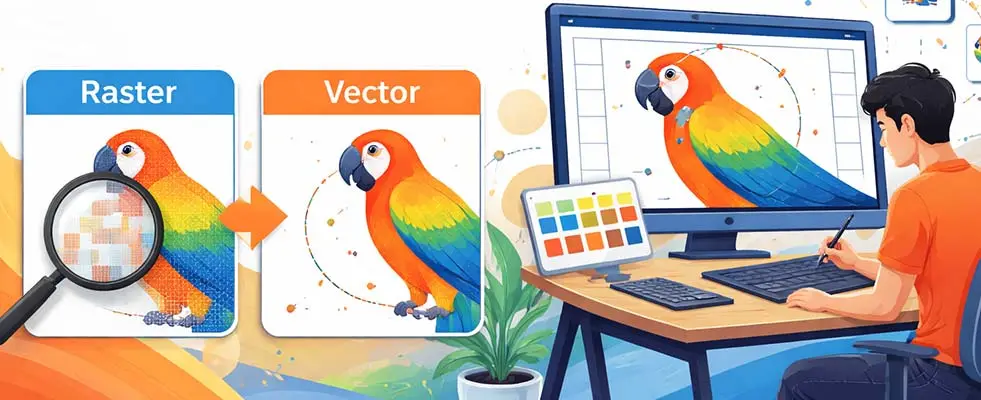
AI, EPS, and SVG are vector file formats. There are no limitations for resolution. You can resize them freely without affecting image quality.
Print professionals ask for vector graphics for many types of projects. Logos, icons, illustrations, product graphics, and branding elements are created in vector format.
What’s The Advantage Of Vector File Conversion?
The most powerful advantage is the ability to scale to any size. Enlarging a raster image leads to visible pixels. But vector graphics maintain their smooth curves in every size. It doesn’t matter how large they become. This flexibility makes vector filework ideal for business uses.
For example, the same vector logo is usable for business cards, product packaging, websites, promotional banners, vehicle wraps, and large outdoor signage. You don’t have to create separate versions for every size. You can use one vector file for everything.
3 Important Reasons Why Choose Vector File Conversion Over Raster Images
Professional Print Quality
Printing is the most important area for vector graphics. Most professional printing processes work with vector filework. Vectors provide clean shapes. This ensures that graphics appear professional on printed materials.
Vector files are useful for business material printing, screen printing, embroidery preparation, and promotional product printing.
Easy Customization
Designers prefer vector graphics because of their flexibility. You can easily customize anything while editing. Vector filework is built from individual shapes.
Each element can be modified independently. This allows designers to adjust colors, resize parts of a graphic, and reposition elements without affecting the overall quality. You can easily adjust colors to match brand guidelines.
Better Performance
Many people think that high-quality graphics always mean large file sizes. But vector filework is more efficient than raster images. They can remain consistent with maintaining perfect quality.
Vector files are easier to store, share, and send between designers. Businesses need to exchange design files frequently. So, a clean vector file will provide better performance.
Why Manual Vector Conversion Matters?
You can convert a raster file into a vector in different ways. Automated tools can convert raster images into vectors instantly.
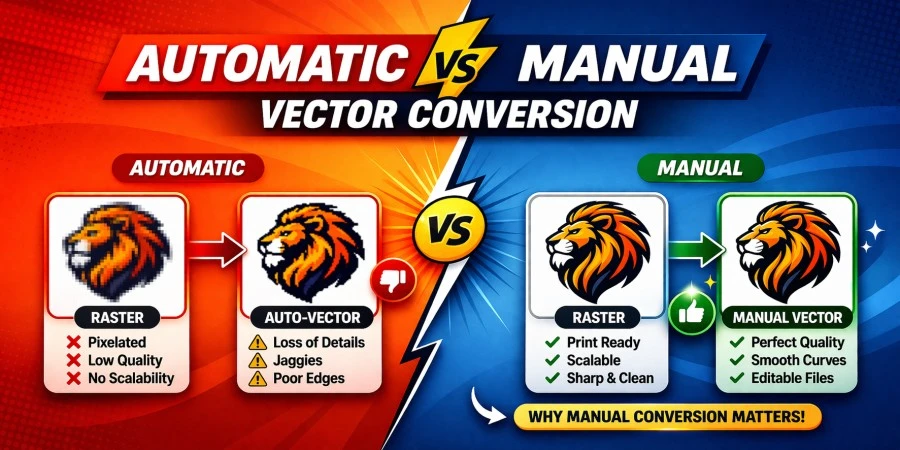
But this is not the proper way to get accurate vector art. Automatic tracing produces poor results. The shapes are wrong. Many unnecessary points are visible in automated methods.
Manual vector conversion is different. Experienced designers recreate vector artwork manually. They carefully redraw the shapes to match the original design accurately.
This process ensures that the final vector file contains accurate details. You can fix imperfections in the original image. Overall, it looks more professional.
Final Words
Raster images are suitable for digital photography. They have limitations for use in business graphics. Vector graphics provide better flexibility for logos, illustrations, and branding elements. So, it’s an obvious answer why choose vector art conversion over raster images.
If you don’t have sufficient skills and time to convert vector art, you can outsource your vector project to us. Our skilled vector designers will convert your raster images in a manual tracing method.
You can get it to print your logo, create business cards, produce clothing item design, and other business related designs for different marketing materials.
FAQ’s
Why use vector over raster?
Raster images rely on pixels. Vector graphics are created with shapes. You can increase the design size without losing quality. Vector files give you professional results for printing.
Why do designers choose vector graphics over raster graphics for a project?
Designers choose vector graphics for resolution. Vector graphics allow designers to resize artwork, adjust colors, and edit shapes easily without damaging the quality.
What is the biggest advantage of a vector file?
The biggest advantage of vector files is unlimited scalability. You can enlarge a vector image without any loss of clarity. Vector filework is perfect for logos, marketing materials, and other graphics.
What is the difference between rasterize and vector?
Raster and vector images are created in completely different ways. Raster images are made from pixels. Their quality depends on resolution. Vector graphics are created using paths. You can resize them freely without losing sharpness.